Access Initialization |
  
|
Access Initialization |
|
To access remote computer you need to know the ID and password of the Distant Desktop running on that PC.
On the initial screen of Distant Desktop click the Connect... button. In the new window enter ID and password and click "OK".
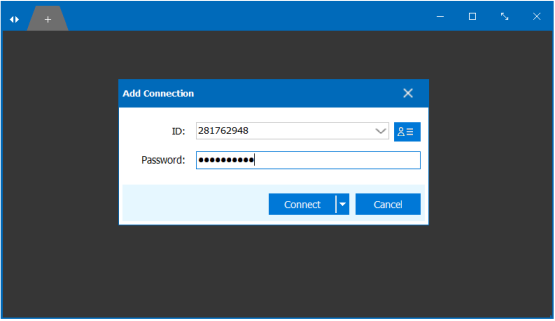
If the connection is successfully established, you will see the desktop of remote computer. You can start your work now.
You can connect to multiple computers at a time. Just click the + button (located on the title bar, as a small tab). Then enter new ID and password, and you are done.
To switch between remote desktops, choose the corresponding tab on a title bar.
If connection the attempt is fails, you will see a "No signal" message and a "Warning" dialog box. This dialog will ask you to enable UPnP on your router.
If this is not possible, then you need to manually forward the ports in your router.